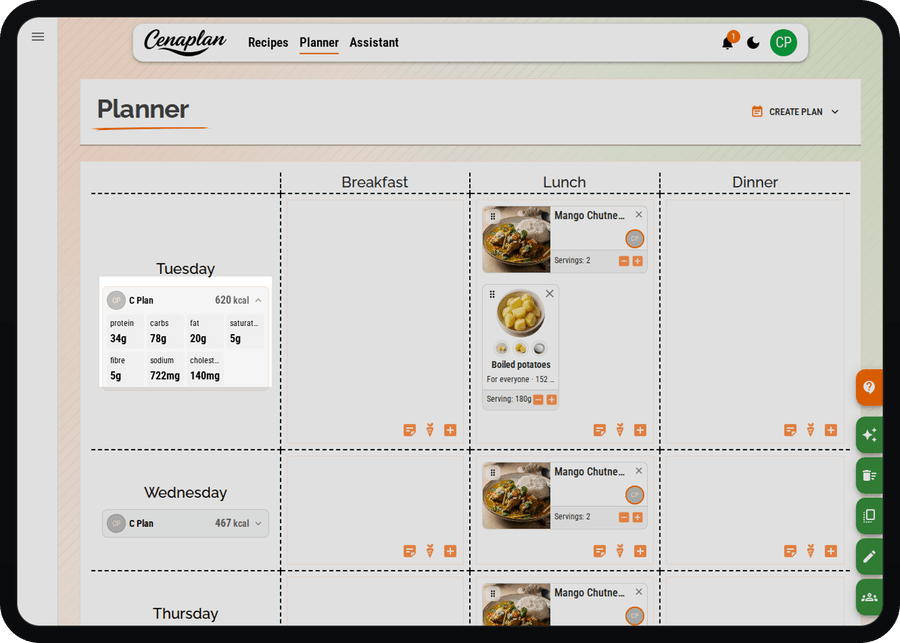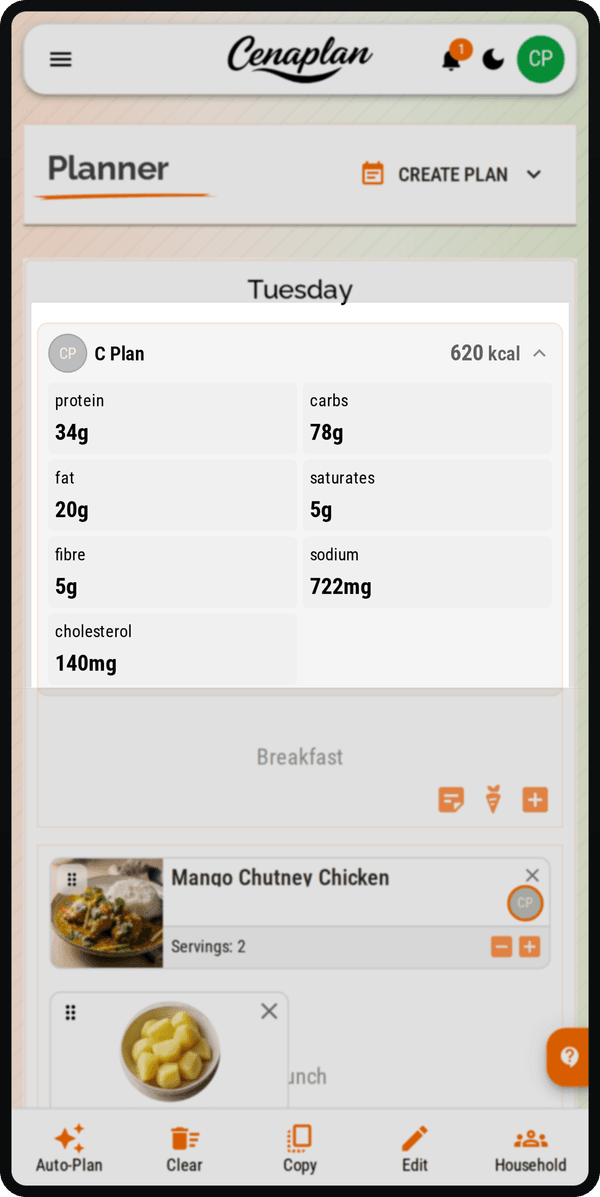
Nutrition insights
Get a clearer picture of what’s in your meals.
Cenaplan displays estimated recipe nutrition where ingredient information is available, helping you compare meals and review your weekly plan. Estimates depend on ingredient matches, quantities and serving sizes.
📊 Track calories and macros
🧠 Nutrition auto-filled
🥗 Plan balanced meals
🔄 Make healthier swaps faster
*Available with Gourmet Pro, Culinary Connoisseur, or Chef's Table subscriptions.

Recipe nutrition at a glance
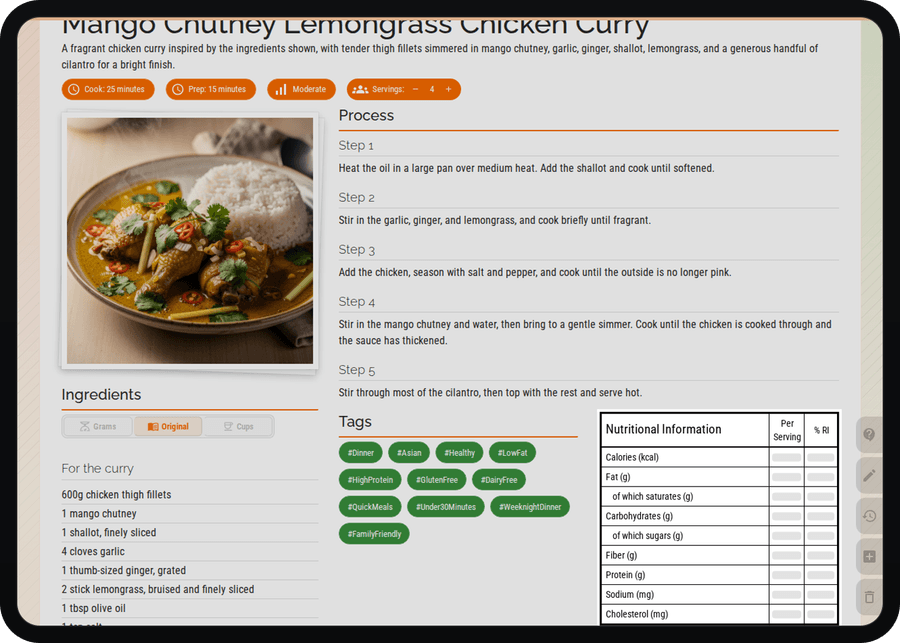
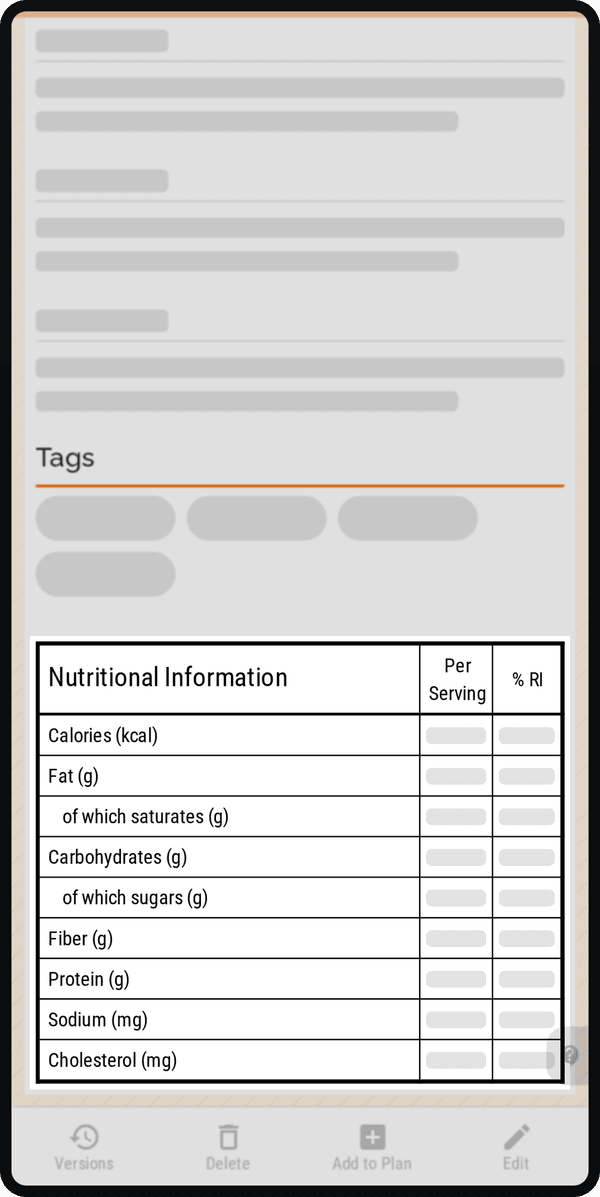
Open a recipe with calculated nutrition to review its estimated calories and nutrients before adding it to your plan. It keeps everyday decisions simple, helps you feel in control, and makes it easier to cook meals that fit your goals.
📊 Calories and macros
🥗 Check nutrition before cooking
🍽️ Understand each portion
🎯 Track nutrient goals
🔁 Make easy swaps
👀 Keep goals visible
See nutrition while you plan
See your daily nutrition as you plan, so each meal slot gives you a clearer picture of calories and macros for the day. It is an easy way to build a more balanced week, make small swaps when needed, and feel more confident about what is on the menu.
📅 View daily calories
💪 Track protein, carbs, and fats
✅ Check before adding meals
🔁 Balance each day
🎯 Keep goals in view
🥗 Build a balanced week