Recipe inspiration
Turn dishes, leftovers and ingredients into recipes worth saving.
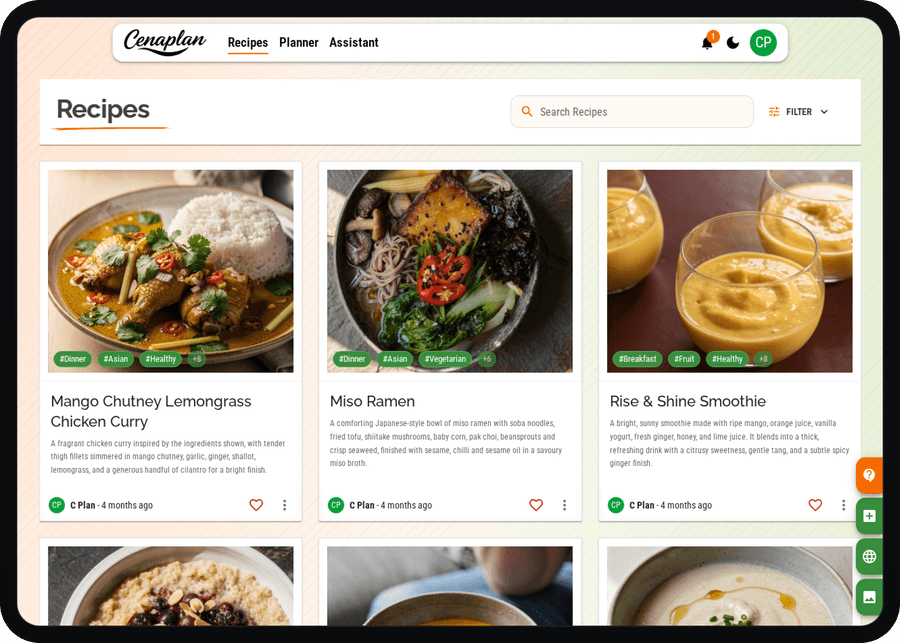
Inspiration can strike anywhere, a brilliant brunch, a family recipe, or last night's leftovers ready for a next-day glow-up. Don't lose it to screenshots. Just snap a photo of a dish, ingredients, or leftovers and we'll turn it into a recipe suggestion to review, ingredients, steps, timings, and smart ideas to repurpose what you've already cooked. Save it all in one clutter-free, beautifully organised recipe space.
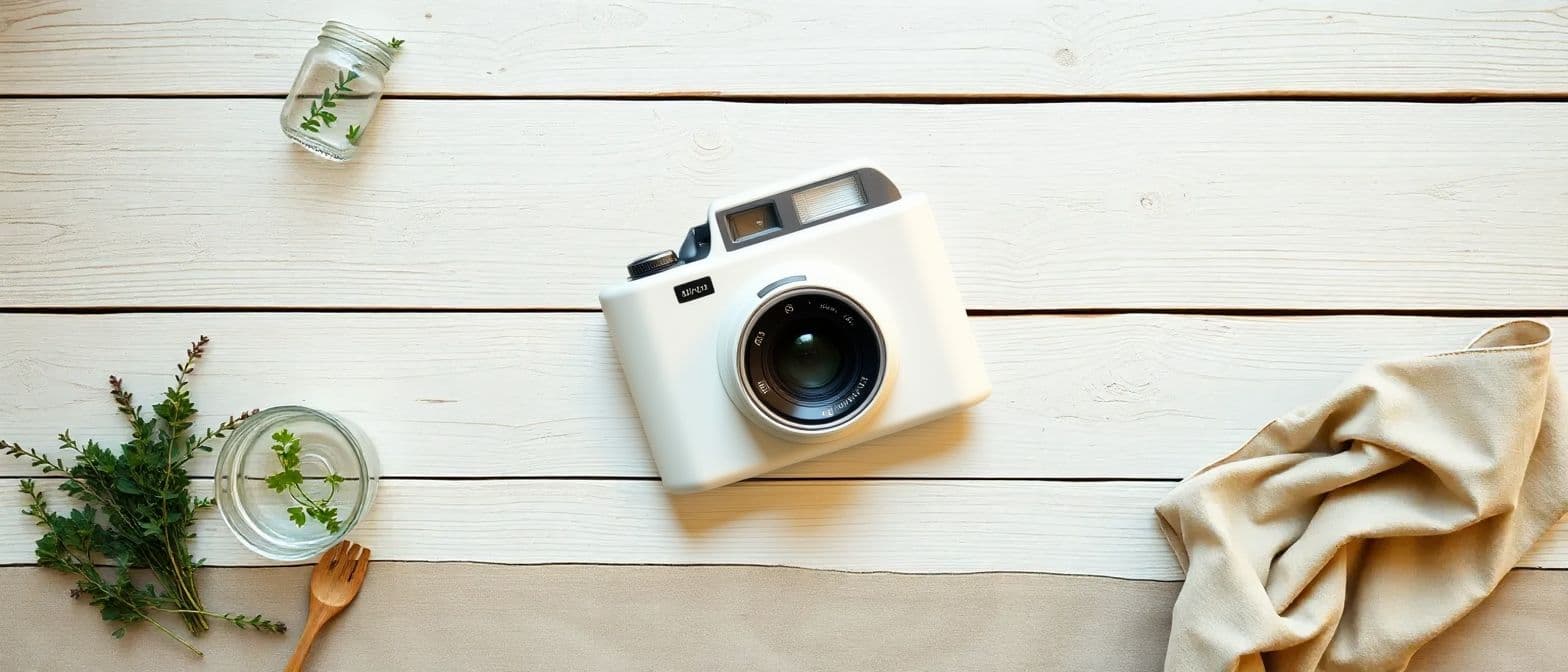
Snap it. Cook it. Love it.
From café favourites to home-made wins, just take a photo and we'll turn it into recipe inspiration, ingredients, steps, and ideas to help you nail it next time.
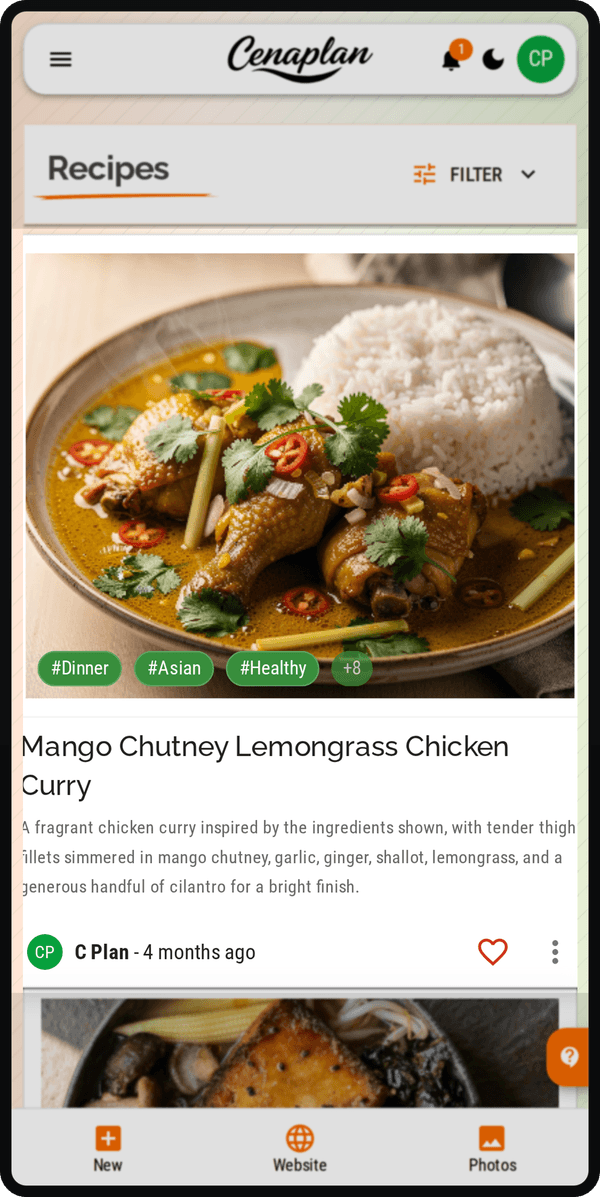
Turn ingredients into ideas
Open the fridge. Take a photo. Let Cenaplan turn what you have into a recipe you can actually cook.
When you import a photo of loose ingredients, Cenaplan creates a recipe import job in the background. It uses the visible ingredients as the starting point, adds sensible pantry staples or supporting ingredients where needed, then saves the result as a structured recipe with ingredients, timings, steps, tags, and planning-ready details.
Start with ingredients
Use a photo of what you have.Import the image
Choose the image action in Recipes.Track the job
Cenaplan builds the recipe in the background.Save the recipe
Open the finished recipe in your library.Start with ingredients
Import the image
Track the job
Save the recipe
Your personal recipe creator
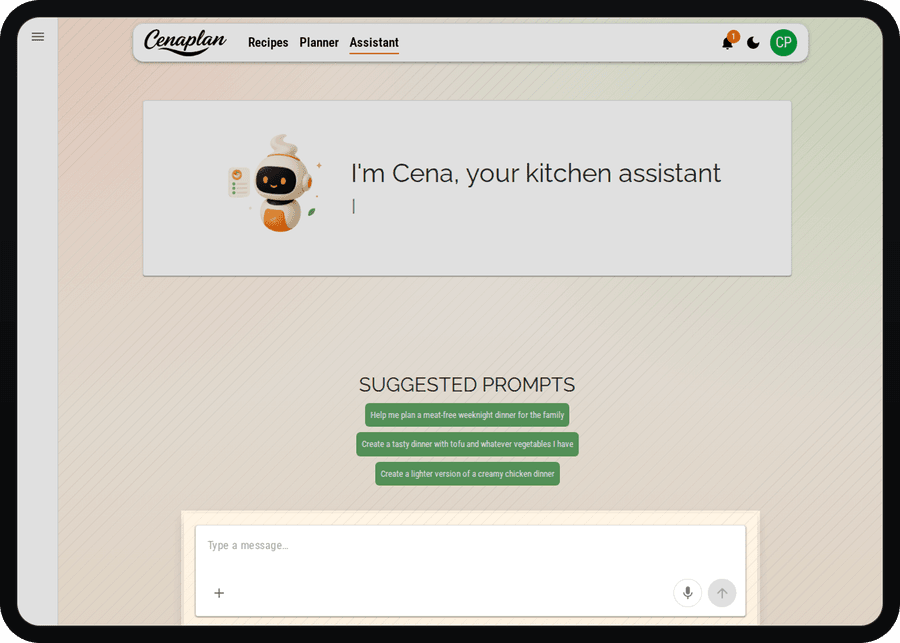
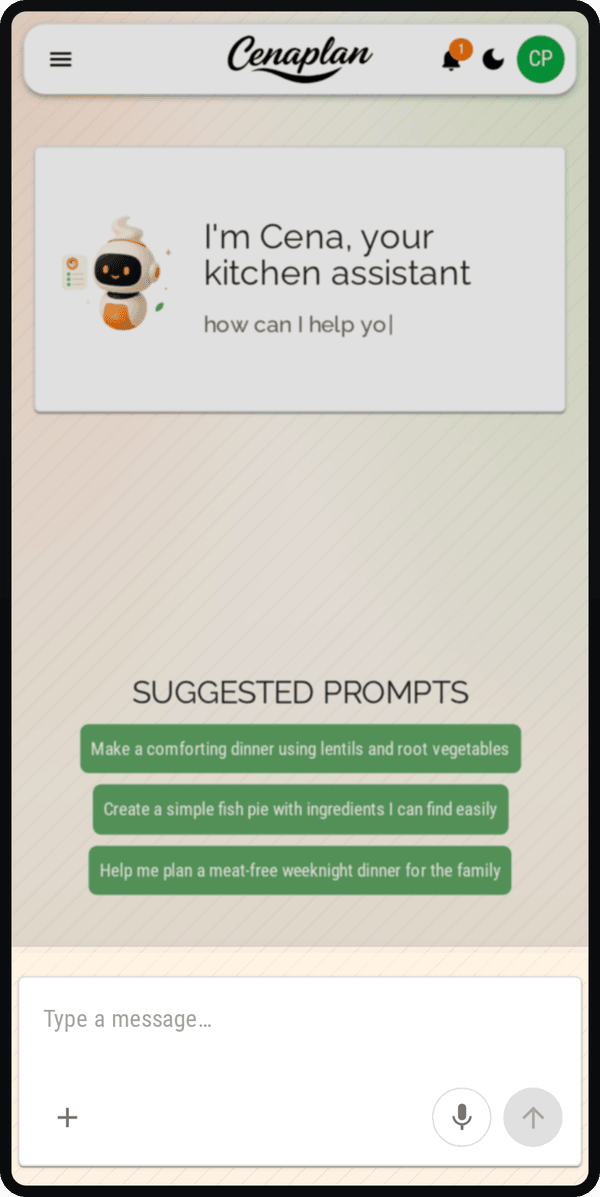
In the mood to try something new? Don't just search, generate.
With on-the-fly recipe creation, you can create a new recipe suggestion. Start with a single idea , an ingredient, a cuisine, a dietary goal, even a vibe , and we'll create a fresh, structured recipe around it. Powered by an intelligent AI assistant, recipes are tailored to your preferences, cooking style and what you have available.
Want a high-protein midweek pasta using what's already in the fridge? A quick plant-based lunch with bold flavours? A comforting one-pan dinner in under 30 minutes? Just tell it what you're after and watch a brand-new recipe take shape, practical, cookable, and ready to go.